Video transcription with every key moment timestamped
Open the supporting transcript and exact lesson moment behind every important takeaway.
 Video research you can verify
Transcribe a video or podcast into text with timestamps — paste a public YouTube or podcast URL, or upload a file. Then check every key point against the exact moment it came from.
Video transcription & summary · Verifiable timestamps · No account needed
Free guest access · Rapid repeat requests may pause for up to 60 seconds.
Choose an example, then create its summary.
Swipe or scroll to browse all 5 video examples
Example workspace
Keep key points, transcript, questions, and the original explanation connected in one place.
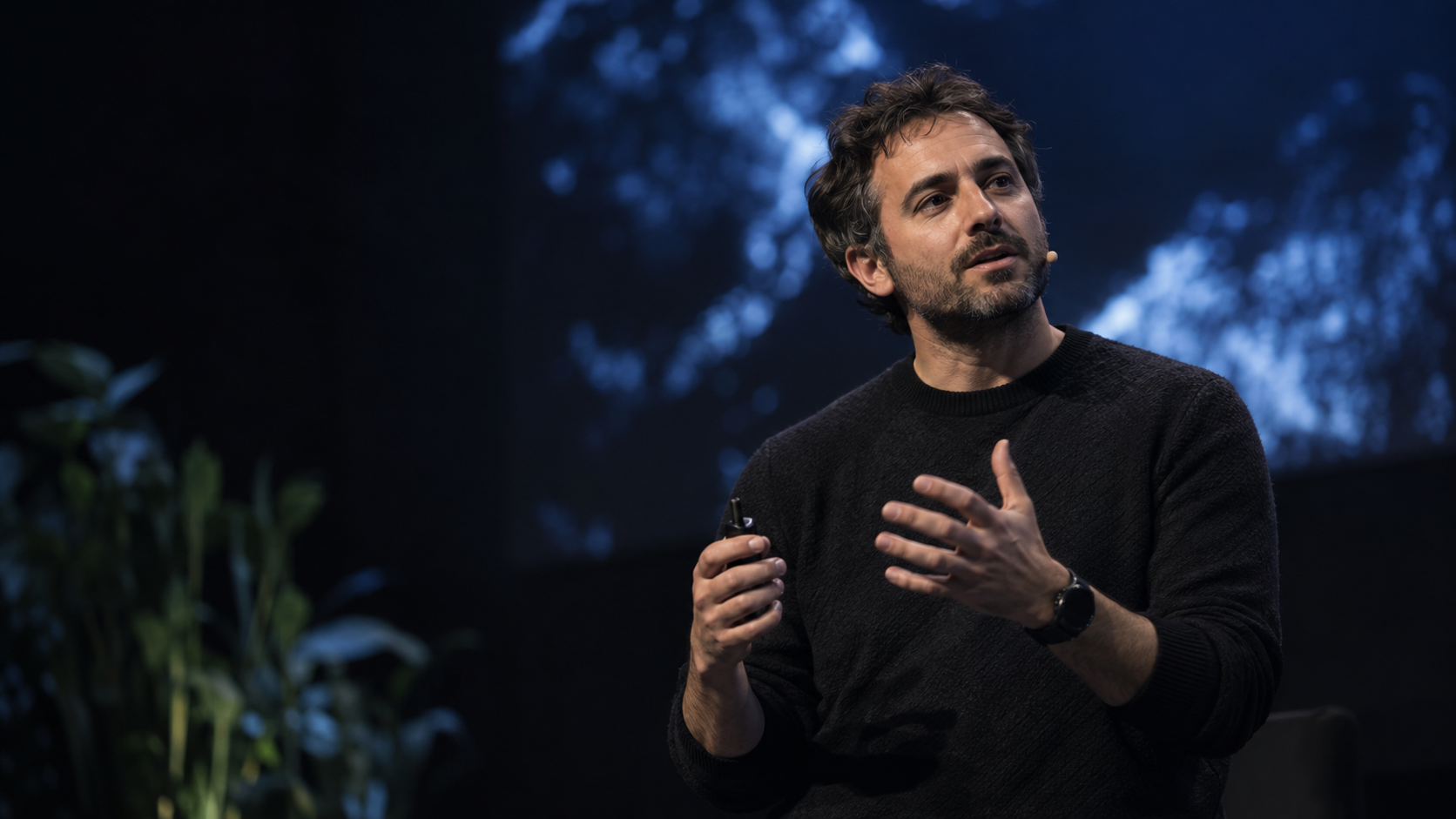
The next decade will be shaped by how deliberately we use intelligent tools.
The goal is not more noise—it is more room for human judgment.
Safety is not a brake on progress; it is what makes progress durable.
The important thing is giving people more agency.
The value arrives when these tools help people do their best work.
Learn from real courses
Each course keeps its chapters, notes, and source timestamps together so you can review ideas in context.
Browse all public study packs, starting with our complete Harvard CS50 2026 Study Pack, organized into 12 timestamped course sections.
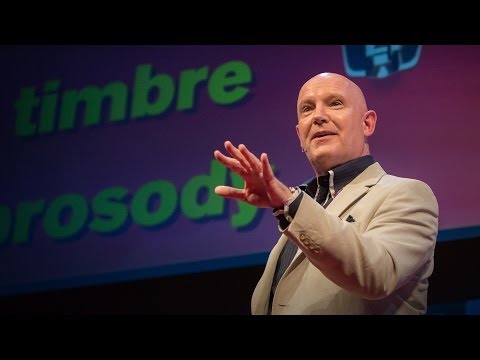
Julian Treasure opens with a practical question: how can we speak in a way that makes people want to listen?
He names habits that make communication harder, from gossip and judging to exaggeration and complaint.
The alternative is HAIL: honesty, authenticity, integrity, and love—four foundations for speaking with trust.
A simple vocal toolbox—register, timbre, prosody, pace, pitch, and volume—helps turn an intention into a clearer message.
Julian Treasure explains how to make speech more worth listening to: remove habits that erode trust, lead with HAIL, then use a few deliberate vocal tools.
Notice one communication habit that may be making listeners disengage.
Practice one vocal variable before your next important conversation.
Start with a public YouTube URL, podcast URL, or upload an audio or video file.
Video transcription turns speech into searchable text, with each segment linked to its moment in the original video.
Review every key idea with its transcript and timestamp.
Open the supporting transcript and exact lesson moment behind every important takeaway.
Search the full transcript and return to the explanation without scrubbing the timeline.
Ask focused questions, revisit evidence, and test what you understood from the lesson.
Need a focused workflow? Convert video to text, Generate a video transcript, Get a YouTube transcript with timestamps, or Convert YouTube video to text. You can also copy a YouTube transcript without timestamps when you need clean text.
Move from first look to active recall without losing the original explanation.
Preview concepts from a lecture, lesson, or explainer before you watch in depth.
Turn a long video into notes while keeping the original source nearby.
Revisit difficult ideas and test what you remember.
Trace important wording back to the exact source moment.
Use an eligible public YouTube URL, a direct podcast or audio URL, or upload a supported audio or video file. Availability depends on source access and provider support.
Each generated point is designed to link back to the moment that supports it, so you can verify context without searching the whole video.
No. The first useful experience is designed to work before sign-up.
The workspace currently offers free guest access. There are no paid plans or recurring billing. To keep the service reliable, rapid repeat requests may pause for up to 60 seconds.
Yes. You can copy the transcript or summary, or download the complete workspace as a Markdown file.
Yes. Generated output can be imperfect, so key claims and answers stay connected to transcript evidence and video timestamps for verification.
Paste a public YouTube or podcast URL, or upload an audio or video file, and the workspace returns a transcript with timestamps. Key points link back to the moment they came from.
They are different names for the same thing. People who search 'video to text' and people who search 'video transcription' get the same result — a timestamped transcript you can read, search, and verify.